
Trendtracker
Trendtracker is a B2B SaaS platform for strategic intelligence, used by companies like Siemens, BNP Paribas, and PepsiCo to track trends, monitor competitors, and inform long-term strategy. When I joined, the product had three rough pages and no brand system. Working closely with the PM, I shaped most of what the platform is today. The company has grown from 7 to 30 people in that time.
Product Design
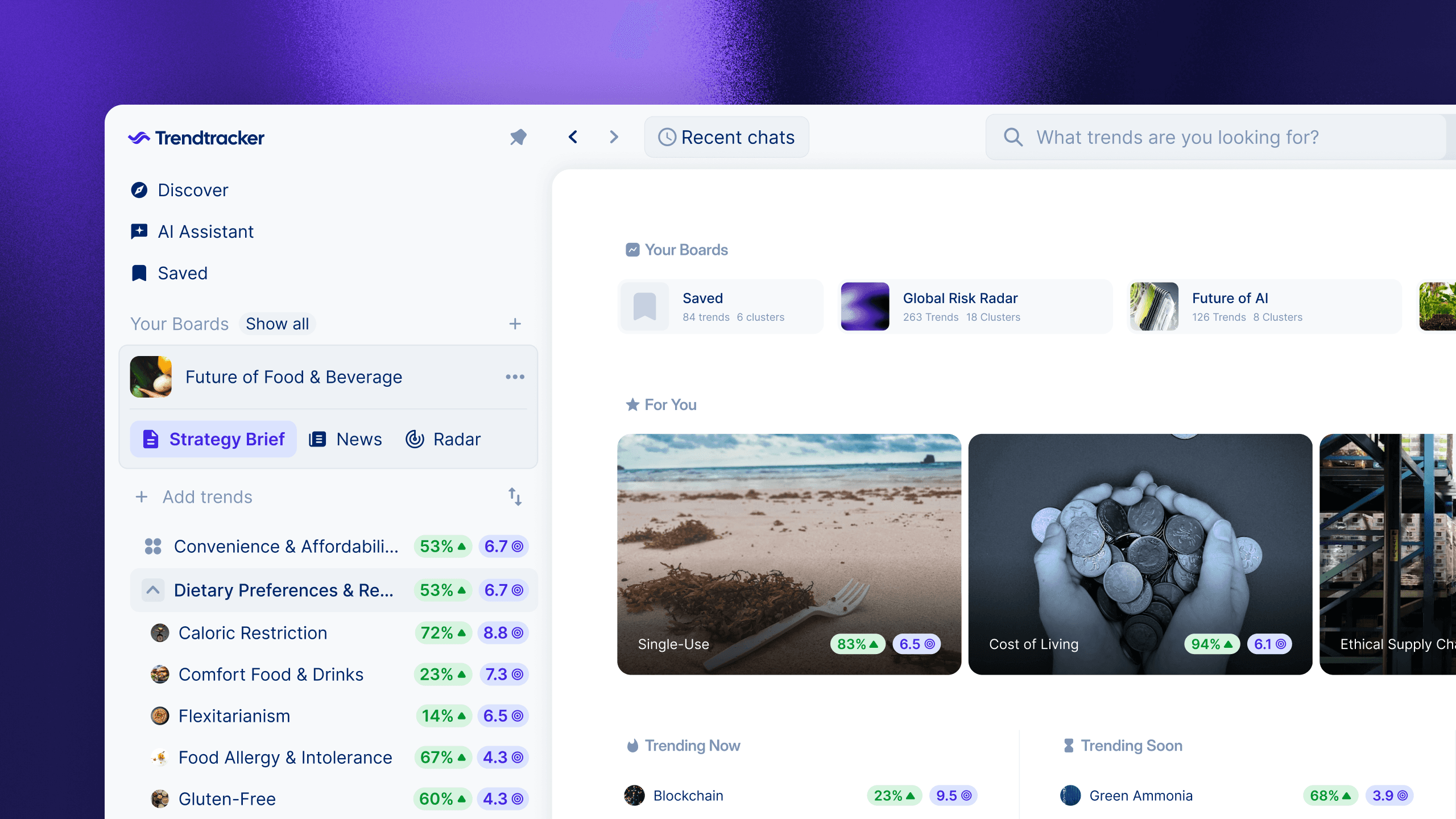
The sidenav puts a user's most-used boards one click away, with every cluster and trend inside visible directly in the panel, complete with metrics. Discover and the assistant sit alongside without competing for attention.
The context picker defines the active time range, region, and industry, plus deeper company and project settings. Set once, it applies everywhere, including how AI-generated insights are framed.


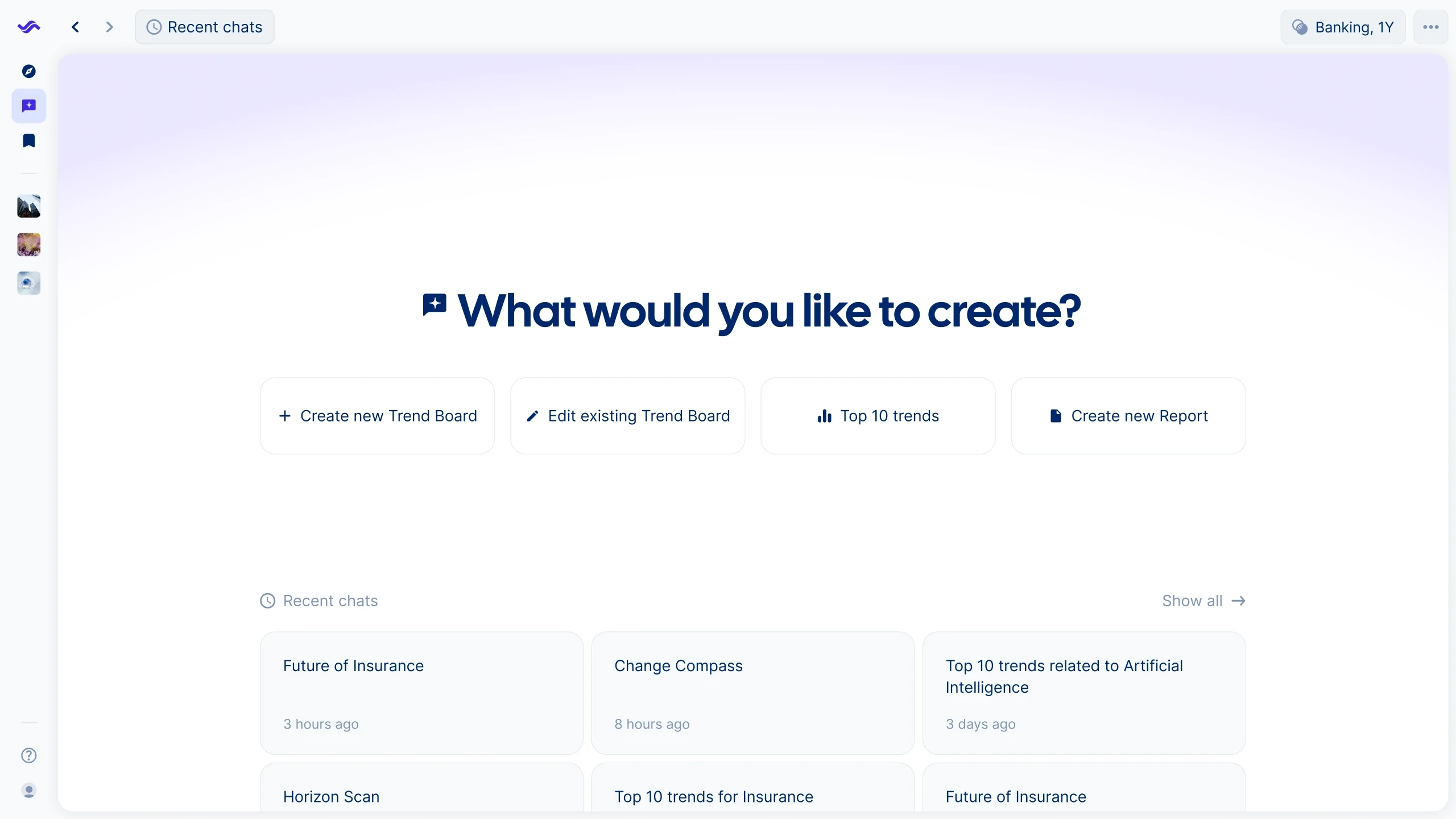
Building a board used to require platform expertise most users didn't have, which is why the CS team often built them on behalf of customers. The AI Assistant turns that into a guided conversation: users describe what they want, and a live split view shows the board being built in real time as they steer it. What used to take hours now takes minutes, from inside the product.

A readable, configurable summary of what's happening across a board. The Overview opens with a written summary of the biggest shifts, ranked clusters and trends with contextual "what this means for you" blocks, and supporting widgets for competitor activity, saved articles, and trend suggestions. Deeper tabs (Patent & Academic Research, Startup & Investment, Market & Capital) group insights for different roles without fragmenting the product.
Strategy Brief became the foundation for the cluster and trend detail pages too. The same report-style layout works at every level: a long column of widgets, a table-of-contents sidebar, and a persistent chat bar at the bottom for strategic questions in context. Only the insights change between board, cluster, and trend. Widgets can be reused across all three by swapping the underlying data, not the interface.


A multi-step setup that captures role, intent, competitors, industries, regions, source preferences, and strategic objectives. Users can upload strategy decks or roadmaps, and the platform pulls public sources automatically. This information shapes most of what users see across the platform, from the insights surfaced on each page to how core metrics are calculated. All of it lives in a Company Context settings page, openly viewable to teams, editable by admins.
The platform's home page. Recommendations for trends and clusters based on user context, role, and industry, alongside quick access to recent boards. Sections like For You, Trending Now, and Growing Fast change as the data does. A persistent search bar at the top, accessible from anywhere on the platform, surfaces matching trends, clusters, and boards with their metrics and a full set of filters to narrow things down.

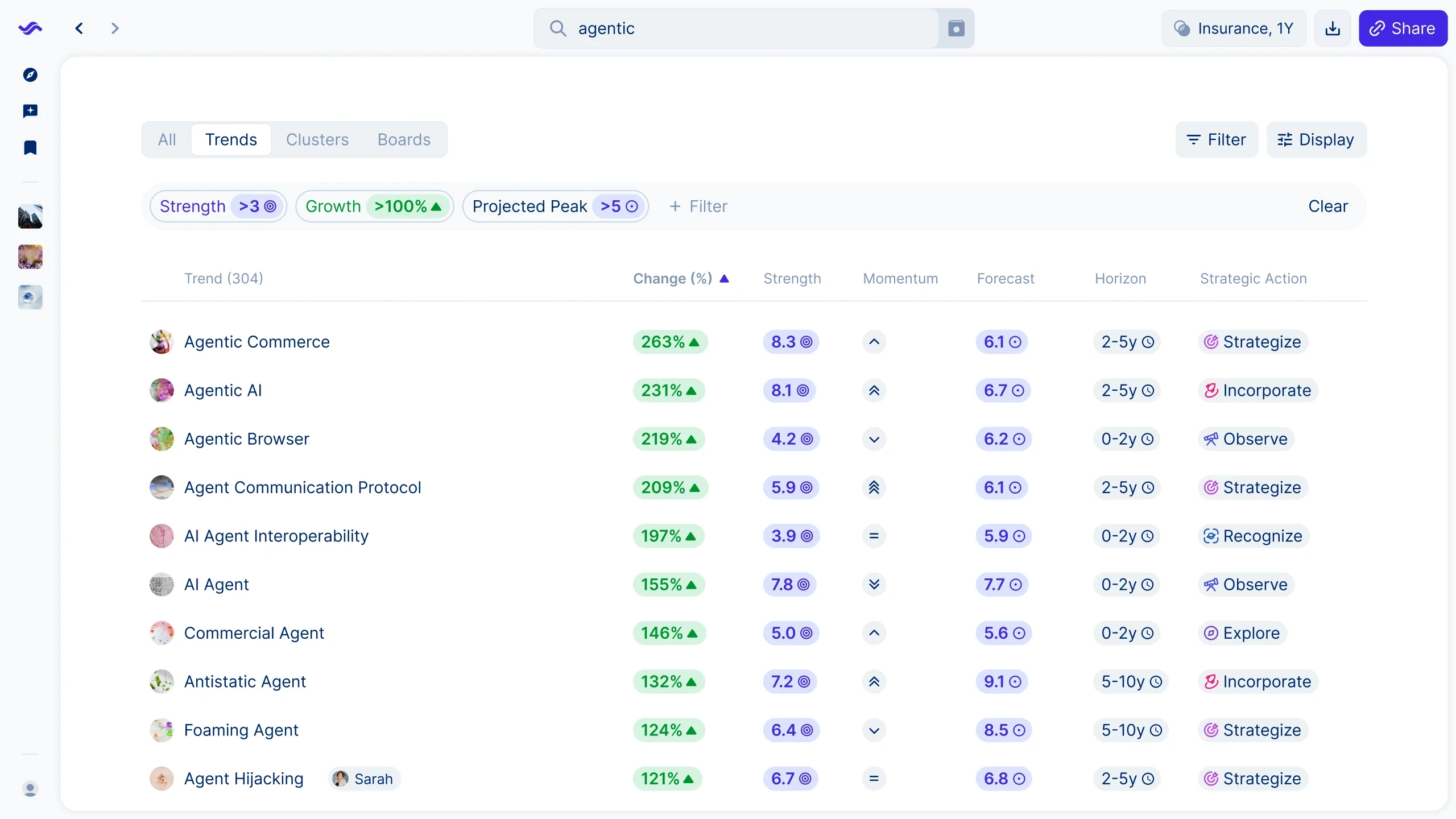
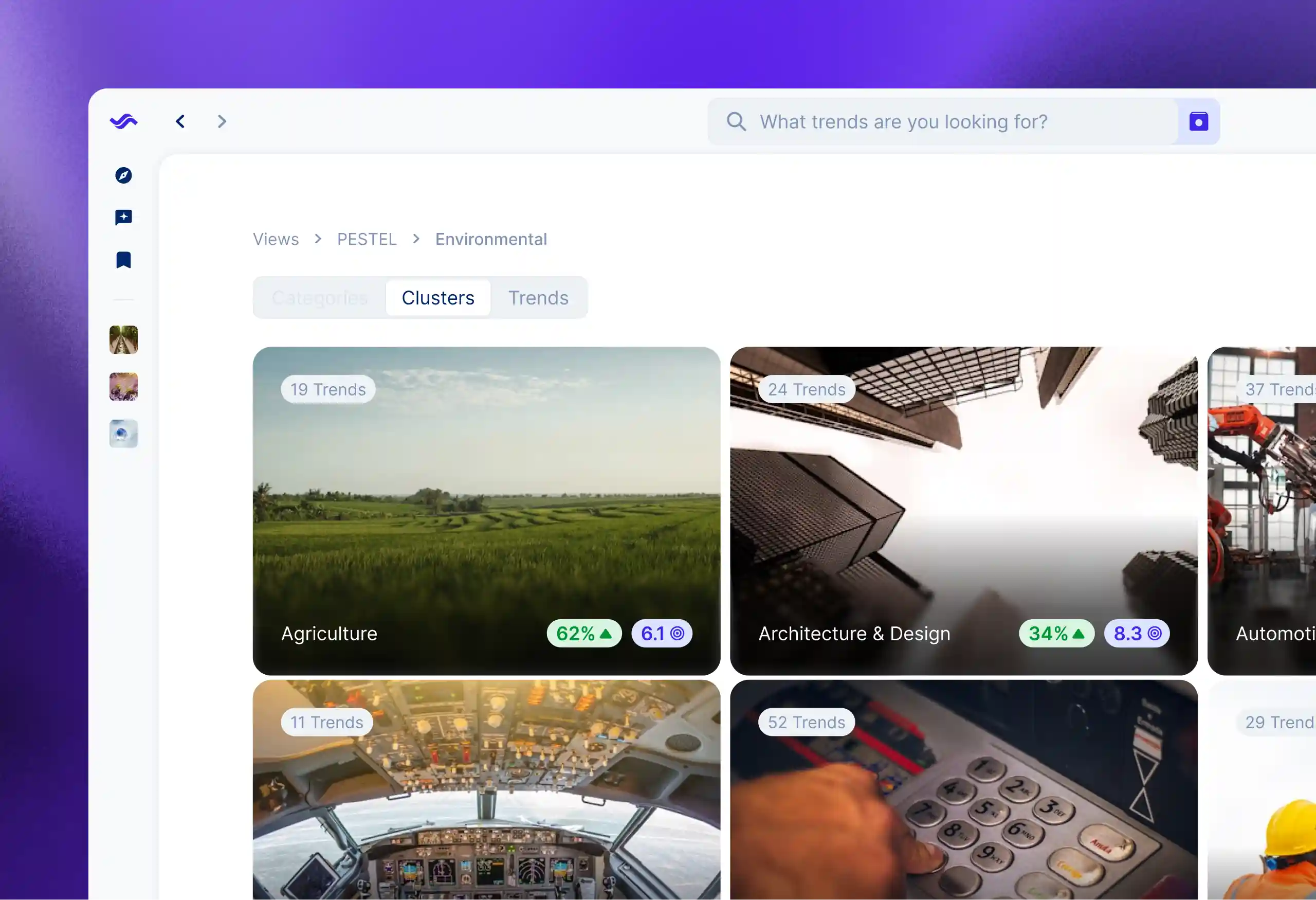
A structured way to move through every cluster and trend on the platform, by view, category, or hierarchy. Filters cover percentage change, strength, momentum, forecasted strength, and time horizon. Multi-select supports bulk-adding to boards, or a single click drops users into a trend's detail page.

A focused feed of clean, readable cards, each tagged with the trends it relates to. Filters cover source, region, trend category, and time range.


Web Design
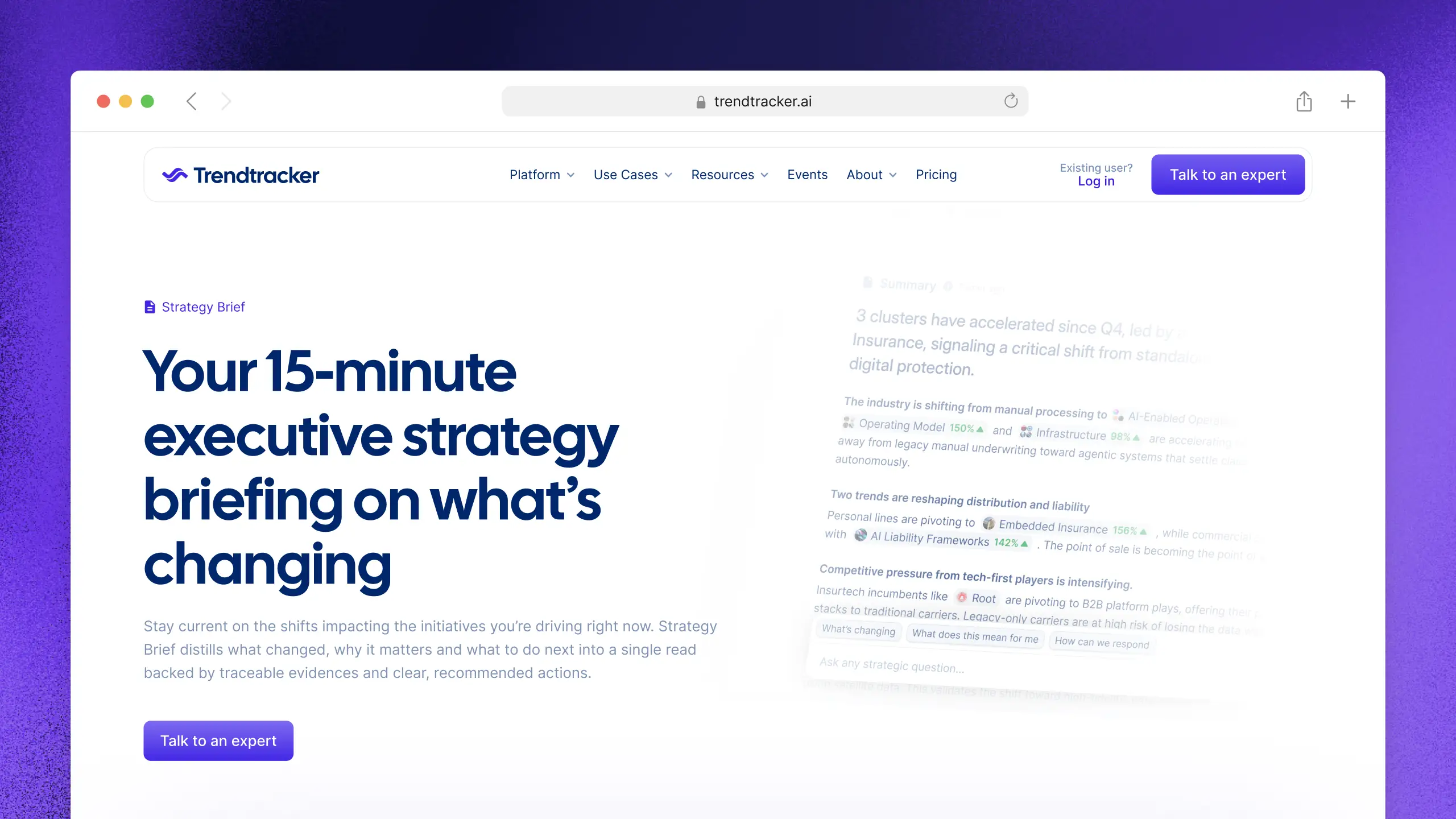
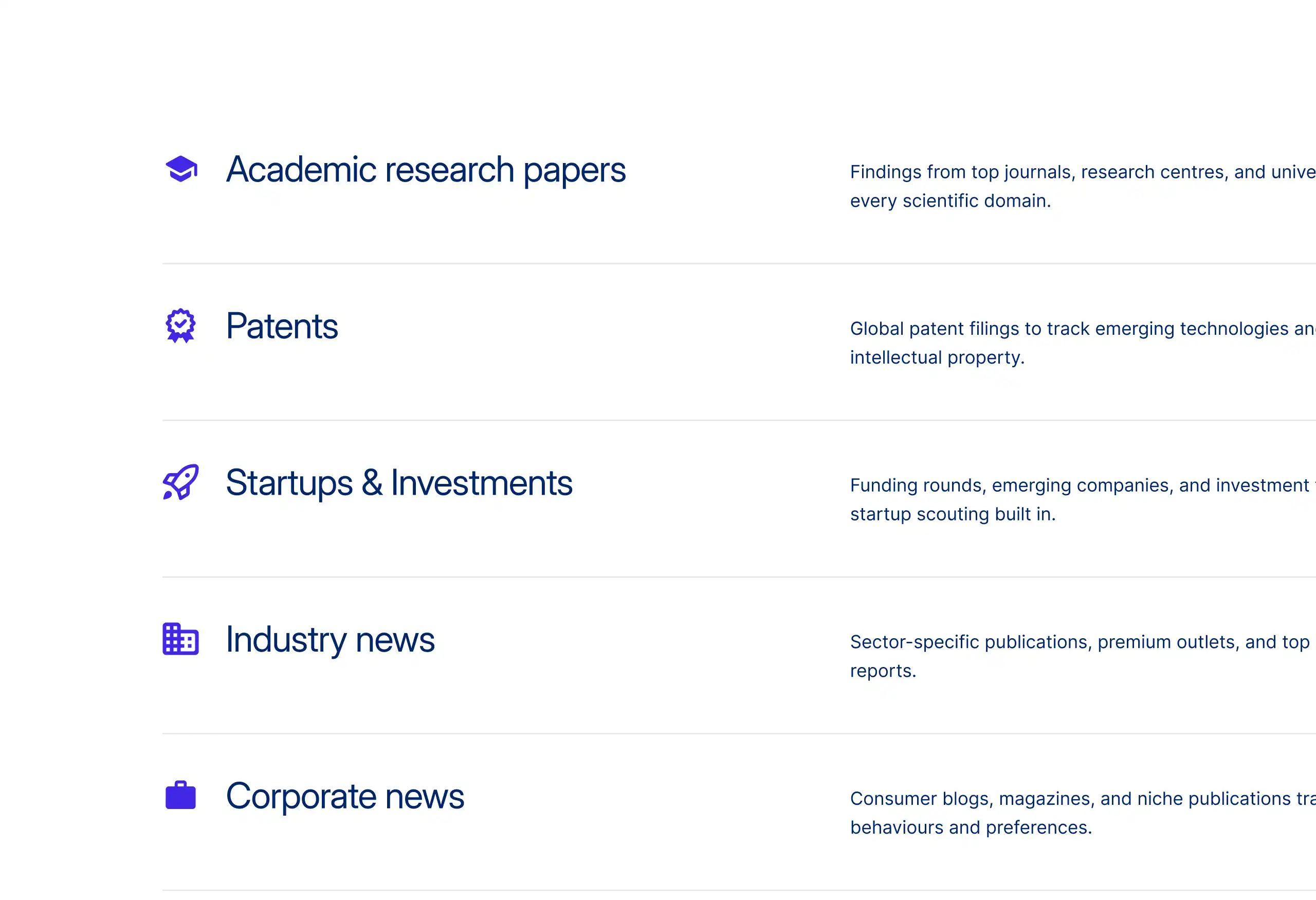
The site went through several versions as the company scaled. Each iteration needed to reflect where the product actually was, while staying accessible to buyers still figuring out what Trendtracker does. It addresses multiple use cases (strategy, policy, R&D, market intelligence) and carries the same visual language as the product: navy and violet, clean hierarchy, and layouts that balance dense explainer content with strong product visuals.




View team photos


Trendtracker
Trendtracker is a B2B SaaS platform for strategic intelligence, used by companies like Siemens, BNP Paribas, and PepsiCo to track trends, monitor competitors, and inform long-term strategy. When I joined, the product had three rough pages and no brand system. Working closely with the PM, I shaped most of what the platform is today. The company has grown from 7 to 30 people in that time.
Product Design
The sidenav puts a user's most-used boards one click away, with every cluster and trend inside visible directly in the panel, complete with metrics. Discover and the assistant sit alongside without competing for attention.
The context picker defines the active time range, region, and industry, plus deeper company and project settings. Set once, it applies everywhere, including how AI-generated insights are framed.
Building a board used to require platform expertise most users didn't have, which is why the CS team often built them on behalf of customers. The AI Assistant turns that into a guided conversation: users describe what they want, and a live split view shows the board being built in real time as they steer it. What used to take hours now takes minutes, from inside the product.
A readable, configurable summary of what's happening across a board. The Overview opens with a written summary of the biggest shifts, ranked clusters and trends with contextual "what this means for you" blocks, and supporting widgets for competitor activity, saved articles, and trend suggestions. Deeper tabs (Patent & Academic Research, Startup & Investment, Market & Capital) group insights for different roles without fragmenting the product.
Strategy Brief became the foundation for the cluster and trend detail pages too. The same report-style layout works at every level: a long column of widgets, a table-of-contents sidebar, and a persistent chat bar at the bottom for strategic questions in context. Only the insights change between board, cluster, and trend. Widgets can be reused across all three by swapping the underlying data, not the interface.
A multi-step setup that captures role, intent, competitors, industries, regions, source preferences, and strategic objectives. Users can upload strategy decks or roadmaps, and the platform pulls public sources automatically. This information shapes most of what users see across the platform, from the insights surfaced on each page to how core metrics are calculated. All of it lives in a Company Context settings page, openly viewable to teams, editable by admins.
The platform's home page. Recommendations for trends and clusters based on user context, role, and industry, alongside quick access to recent boards. Sections like For You, Trending Now, and Growing Fast change as the data does. A persistent search bar at the top, accessible from anywhere on the platform, surfaces matching trends, clusters, and boards with their metrics and a full set of filters to narrow things down.
A structured way to move through every cluster and trend on the platform, by view, category, or hierarchy. Filters cover percentage change, strength, momentum, forecasted strength, and time horizon. Multi-select supports bulk-adding to boards, or a single click drops users into a trend's detail page.
A focused feed of clean, readable cards, each tagged with the trends it relates to. Filters cover source, region, trend category, and time range.
Web Design
The site went through several versions as the company scaled. Each iteration needed to reflect where the product actually was, while staying accessible to buyers still figuring out what Trendtracker does. It addresses multiple use cases (strategy, policy, R&D, market intelligence) and carries the same visual language as the product: navy and violet, clean hierarchy, and layouts that balance dense explainer content with strong product visuals.
View team photos